/ 5 min read
A WhatsApp bot for property managers: repairs, contractors and rent in the groups you already run
How a Cupbots WhatsApp bot runs a property manager's tenant and contractor groups: repair jobs with photos, contractor bookings, “any update?” answers, and rent with a pay link.
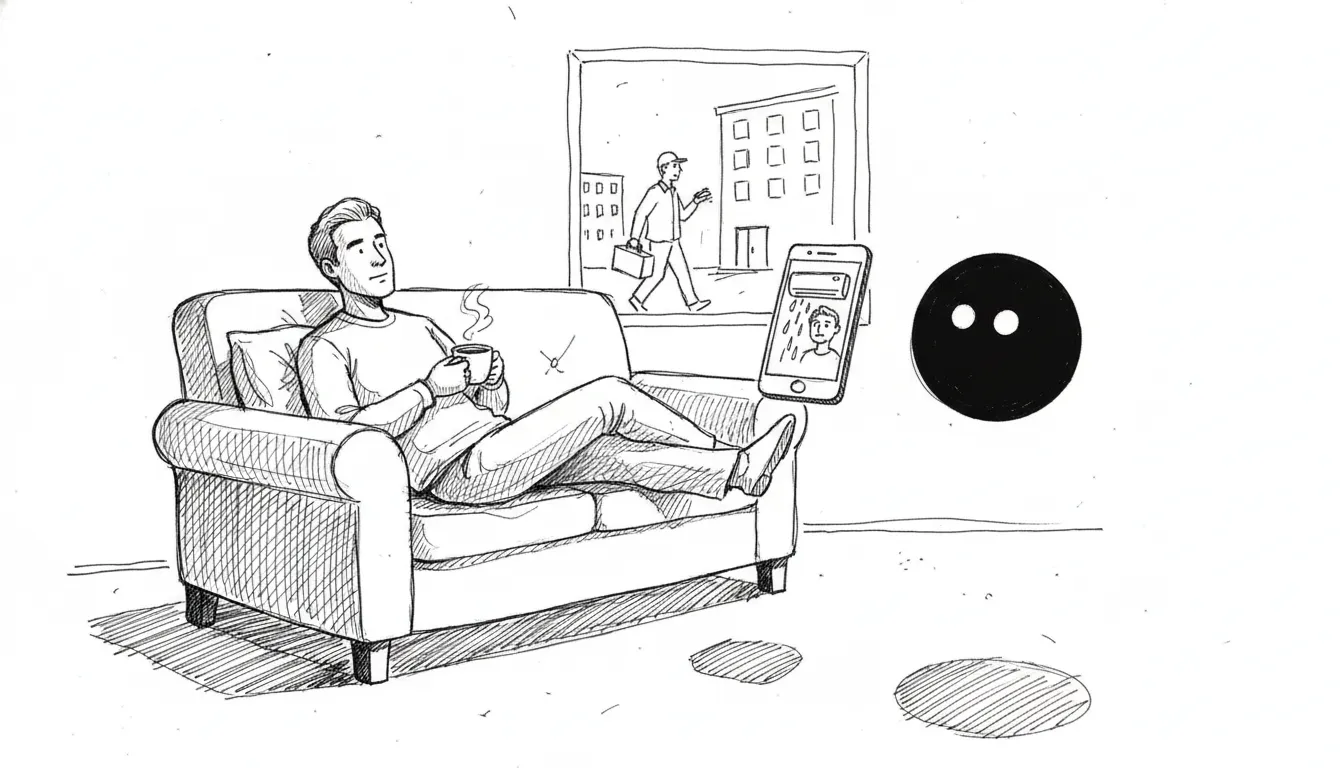
Most property managers run every tenant on WhatsApp. One group per unit, a contractor group, and your own phone buzzing at 11pm because an aircon is dripping.
The chats aren't the problem. The problem is that nothing in them is tracked. A leak reported on Monday is a scrolled-away message by Thursday, and you only learn the contractor never came when the tenant asks again.
Here's how a Cupbots bot runs those groups. We run every chat below against the real bot on WhatsApp. We changed the names and the unit.
1. A repair becomes a job, with a number
A tenant reports a problem in their group. The bot logs a job against that unit, asks for a photo, and sends the job to your contractor group.
The photo lands on job #12, not on a new job. The bot knows the unit from the group, so the tenant never has to type it.
2. Contractors reply in plain words
Your contractor group gets the job with the unit, the problem and the photo. Contractors answer the way they already do. No app, no form.
Each reply moves the job along: booked, on site, done. The booking goes into your Repairs calendar, with a reminder an hour before the visit. The tenant hears about each step in their own group.
3. “Any update?” gets a real answer
This is the message that eats a property manager's day. The bot answers it from the job, not from a guess.
If the job is still waiting for a contractor, the bot says so. It never says a repair is done before your contractor marks it done.
4. Rent goes out with a pay link
Three days before rent is due, the bot issues the invoice and posts it in the tenant's group with a link. The link opens an invoice page where the tenant pays by card, or by DuitNow or bank transfer with your account details.
No awkward chasing message from you. The bot keeps the date the tenant gave and sends the link again that morning.
When the invoice is paid, the bot thanks the tenant and the rent drops off your list. Card payments close on their own. For a bank transfer, your team marks the invoice paid in the hub and the bot does the rest.
5. Urgent complaints go to your admin group
Some messages need a person now: a burst pipe, an angry owner, a neighbour dispute. The bot posts those to your admin group with what the tenant said, instead of trying to handle them itself.
URGENT | Complaint | Unit 12-3 tenants | Mei Ling
Customer said:
"Water is coming through the ceiling into the kitchen, please send someone NOW"
Pick which group gets these by sending /property admin in it. Change it any time by sending the same command in another group.
6. One board for every job
Every repair is a card on the Board tab of your due items, one column per stage: reported, booked, on site, done. Drag a card to move it, or let the contractor group move it for you. You see every open job across every unit on one screen.
Setting it up
You add the bot to your existing groups and send one command in each:
- In a tenant group:
/property tenant 12-3 rent 2300 day 14 - In the contractor group:
/property contractors - In your admin group:
/property admin
That's it. The tenant group knows its unit and rent, the contractor group gets the jobs, and urgent alerts reach the right people.
What it doesn't do yet
We'd rather you hear this from us. The bot doesn't send owners their monthly statements, settle deposits at move-out, or split utility bills between tenants. Those questions go to you. Bank transfers don't confirm themselves either; that needs a payment gateway, and we're adding one.
Want this running in your groups? Message us and we'll set it up with you.
FAQ
Can a WhatsApp bot track repair requests from tenants?
Yes. When a tenant reports a problem in their group, the bot logs a job with the unit, the problem and any photos, and sends it to your contractor group. Every job has a number, so “any update?” gets a real answer.
How do contractors update a job?
They reply in the contractor group in plain words, like “#12 tomorrow 10am, Ah Kow coming” or “#12 done, drain pipe was blocked”. The bot updates the job, books the visit in your calendar and tells the tenant.
Can the bot send rent reminders with a payment link?
Yes. Three days before rent is due the bot issues an invoice and posts it with a pay link in the tenant's group. If the tenant says “I'll pay on the 16th”, it sends the link again on the 16th at 9am. Once the invoice is paid, it thanks them and stops.
Do bank transfers mark the rent paid automatically?
Card payments do. A DuitNow or bank transfer needs your team to mark the invoice paid in the hub. After that the bot closes the rent on its own.
What happens with an urgent complaint?
The bot alerts your admin group with what the tenant said, so a person can step in. You choose the group by sending /property admin in it.
Let your bot run the tenant groups
Your bot logs every repair with the unit and a photo, tells tenants when the contractor is coming, and sends the rent link every month.
See it for property managers →100% satisfaction guaranteed or your money back.
Don't figure out AI alone.
Join a community of business owners discovering what AI can do — new skills every week, $9/mo.
Join the Circle — $9/moRead next
A WhatsApp bot for food manufacturers: supermarket orders, delivery dates and claims
How a Cupbots WhatsApp bot takes orders from supermarket branches, gives the real delivery date, holds orders for your team to check, and sends claims and statements to the right person.
What’s new: one word stopped a bot following its rules. Here’s what we fixed
One word made a Cupbots WhatsApp bot ignore its rules for three days. What we fixed, plus handovers, real prices, quiet mode for staff and private chats.